

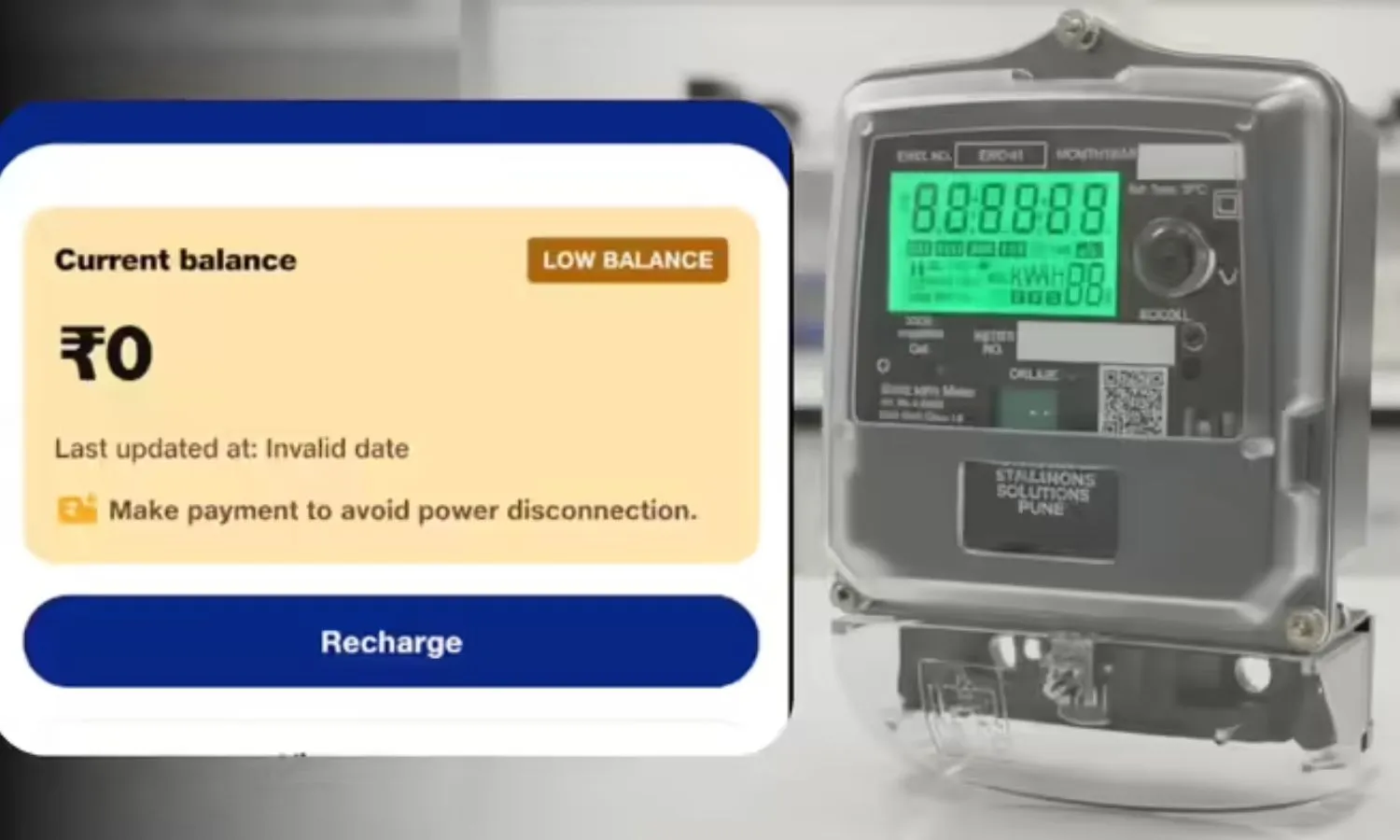
Smart Meter Recharge Issue Solution: The installation of smart prepaid electricity meters is in full swing in many states across the country. However, people are complaining about their electricity meter balance not being updated despite recharging. In such a situation, you can report your recharge-related complaint to the department via a call, email, or app on your phone and have your account updated within minutes.
Add informalnewz.com as a Preferred Source


How to Update Smart Meter Balance: Under the RDSS scheme, the installation of smart prepaid electricity meters is progressing rapidly in various states. However, people are increasingly worried about the problem of balances not being updated despite recharging their electricity meters. Many posts about this can be seen on social media, where people say that after recharging their smart prepaid electricity meters, the meter’s balance is not being updated, despite the money being deducted from their accounts.
If you are using a prepaid electricity meter and are worried about the balance not being updated after recharging, you can complain about it from your phone. You can update your account in minutes by following four simple steps: an app, phone number, and email.
1. What to do if the electricity meter balance is not updated?
If your smart prepaid electricity meter balance isn’t updated even after recharging, first call 1912. It’s worth noting that this is a common number for electricity complaints across India. By calling this number, you can provide your customer ID and recharge-related information.
Then, a customer care officer will update your account or register your complaint. Call this number from a phone number registered with the electricity department. This will make it easier to register your complaint.
2. Contact specific numbers
Different states have designated dedicated numbers to address payment and recharge complaints. Contacting these numbers can also help resolve recharge and balance updates. You can call the state-specific numbers and explain your recharge issue and have your account updated.
Uttar Pradesh (UPPCL) — 1800-202-240 (BillDesk) / 1800-202-1810 (PayU)
Bihar (NBPDCL/SBPDCL) — 1800-345-6198 (Smart Meter Special Desk)
Madhya Pradesh (MPWZ/MPCZ) — 1800-233-1266 / 1912
Rajasthan (Jaipur/Jodhpur) — 1800-180-6507 / 1800-180-6045
Delhi (Tata Power-DDL) — 1800-208-9124 / 19124
Maharashtra (MSEDCL) — 022-26478246 (Payment Gateway Helpdesk) / 1800-233-3435
Assam (APDCL) — 8876100100 (prepaid support) / 0361-2313200
Haryana (DHBVN/UHBVN) — 1800-180-4334 / 1800-180-1550
3. Take help from the app
In addition to calling, you can also report your recharge-related complaints to the relevant department through apps. You can use these apps based on your state.
- Uttar Pradesh – UPPCL Smart Consumer App
- Bihar – Bihar Bijli Smart Meter App
- Madhya Pradesh – Smart Bijlee App
- Rajasthan – Bijli Mitra App
- Delhi – TPDDL Connect App
- Maharashtra – Mahavitaran (MSEDCL) App
- Assam – myBijli App
- Chhattisgarh – More Bijlee App
- Haryana – DHBVN / UHBVN Consumer App
These apps provide you with the option to lodge a complaint. Through these apps, you can report your recharge and balance updates to the department and update your account.
4. Submit your complaint via email
Similar to the different phone numbers, you can also contact the electricity department via email to report your complaint. The email addresses are listed below, according to the states.
- Uttar Pradesh (UPPCL): payment.uppcl@billdesk.com (BillDesk) / uppcl.support@payu.in (PayU)
- Bihar (NBPDCL): billing.nbpdcl@gmail.com / revenue.nb@gmail.com
- Bihar (SBPDCL): itcell.sbpdcl@gmail.com
- Delhi (Tata Power-DDL): customercare@tatapower-ddl.com
- Maharashtra (MSEDCL): helpdesk_pg@mahadiscom.in
- Madhya Pradesh (MPWZ): customercare@mpwz.co.in
- Haryana (UHBVN): 1912@uhbvn.org.in
- Haryana (DHBVN): 1912@dhbvn.org.in
- Assam (APDCL): support@apdcl.org
- Rajasthan (Jaipur Discom): helpdesk@jvvnl.org
Please ensure that you include your name in the email. Be sure to provide your account ID and recharge details, such as the amount and time of recharge. Also, send the receipt received after the recharge as an attachment to the email.

