

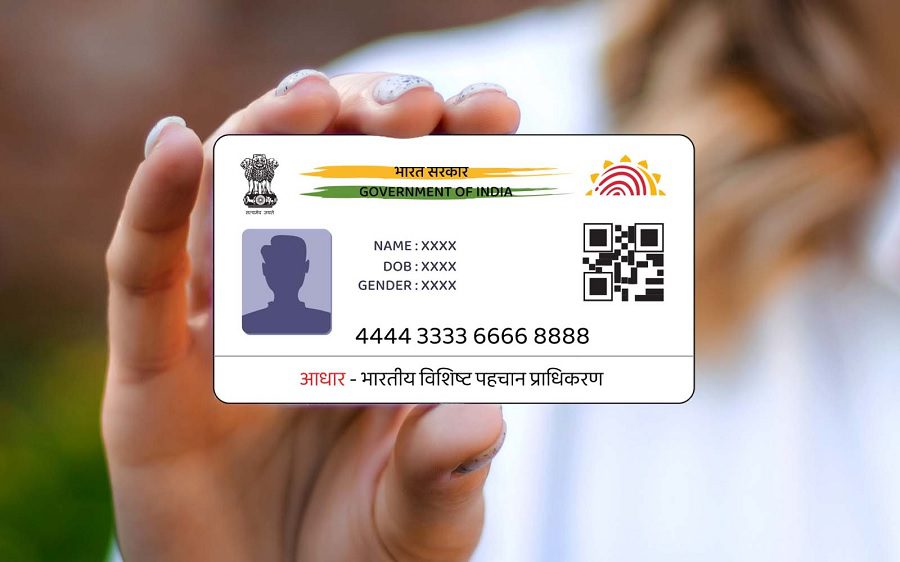
Aadhaar card is an essential identity card for Indian citizens. UIDAI has provided the facility to lock and unlock the Aadhaar card, which can prevent misuse in case of theft or loss.
Aadhaar card Lock: Aadhaar card is an important identity card for every Indian citizen. It is used for many purposes as proof of identity and address. If your Aadhaar card is stolen or lost somewhere, it can be misused. That is why UIDAI (Unique Identification Authority of India) has provided the facility to lock and unlock the Aadhaar card.
What is Aadhaar (UID) lock and unlock?
When you lock Aadhaar, no one can use your Aadhaar number through any kind of identification such as biometric, demographic or OTP. If you get your Aadhaar back or get a new Aadhaar card, you can unlock it. After unlocking, your Aadhaar will start working normally again.
How to lock Aadhaar card online?
- Visit UIDAI website: https://uidai.gov.in/
Click on the ‘My Aadhaar’ tab. - Go to the ‘Aadhaar Services’ section and click on ‘Aadhaar Lock/Unlock’.
- Select the ‘Lock UID’ option.
- Enter your Aadhaar number, full name and PIN code.
- Click on ‘Send OTP’.
- Enter the OTP received on the registered mobile number and submit.
How to lock Aadhaar card through SMS?
Send SMS to 1947 from your registered mobile number.
Type: GETOTP
Example: If your Aadhaar number is 1234 5678 9012, then type GETOTP 9012
Now send SMS again to 1947 to lock Aadhaar.
Type: LOCKUID
Example: LOCKUID 9012 123456
You will receive an SMS from UIDAI confirming that your Aadhaar has been locked.
How to unlock Aadhaar card?
To unlock Aadhaar, you must have a 16-digit Virtual ID (VID).
Online method:
Visit UIDAI website: https://uidai.gov.in/
Click on ‘My Aadhaar’ tab.
Go to ‘Aadhaar Services’ and click on ‘Aadhaar Lock/Unlock’.
Select ‘Unlock UID’ option.
Enter 16 digit Virtual ID.
Click on ‘Send OTP’.
Enter the OTP received on the registered mobile and submit.
Method via SMS:
Send SMS to 1947 from your registered mobile number.
Type: GETOTP
Example: If your VID is 1234 5678 9012 8888, then type GETOTP 128888
Now send SMS to unlock.
Type: UNLOCKUID
Example: UNLOCKUID 128888 123456
You will receive a confirmation SMS from UIDAI that your Aadhaar has been unlocked.

