

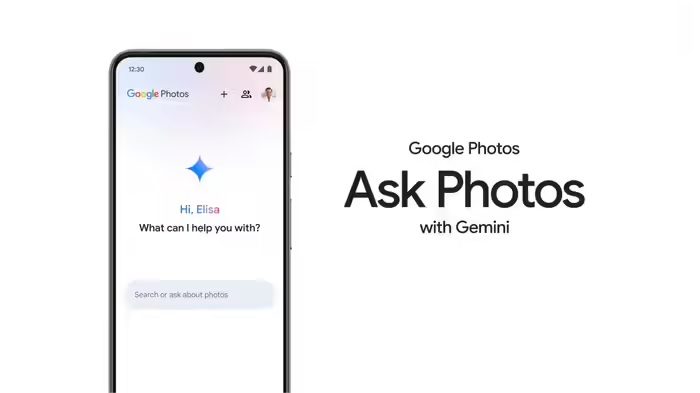
Google’s AI-powered editing tool is coming to India after the US. Indian users will now be able to edit photos in the Photos app by speaking. This feature supports Hindi and other local languages in addition to English.
Add informalnewz.com as a Preferred Source


If your phone has 4GB of RAM or more and runs on Android 8 or higher, you’ll be able to edit photos using your voice in Google Photos. It’s not necessary to know only English. Hindi, Tamil, Marathi, Bengali, Gujarati, and Telugu speakers will also be able to edit photos in their own languages. Google has given this significant gift to Indians using Android smartphones. The company’s AI-powered editing tool is coming to India after the US.
A Pixel phone is no longer necessary for ‘Ask Photos’
Google’s ‘Ask Photos’ feature, which was previously exclusive to Pixel 10 smartphones, is now available for Android as well. This feature allows you to edit photos by speaking or writing. All Android users in India will be able to access the new feature in Google Photos. The design of the Photos app has also been changed to accommodate this.
Support for local languages will be available
The ability to have AI edit photos by speaking to Google Photos will be available in languages like Hindi, Marathi, Telugu, Gujarati, and Bengali, in addition to English. Until now, this feature was only available to Pixel 10 users in the US. Now, it’s being rolled out to all Android users in India. If your phone has at least 4GB of RAM and runs Android 8 or higher, you’ll be able to use this feature.
How to Edit Photos with AI
If you use the Google Photos app and want to have AI edit a photo, you’ll need to select the photo. After selecting it, a ‘Help me edit’ bar will appear. You can activate Gemini and ask it to edit the photo. During editing, you’ll find some common features like ‘remove background clutter’ or ‘focus more on him/her’. If you need additional editing options beyond these, you can use Gemini. At the time of writing, NBT Tech hadn’t seen the AI editing option in Google Photos. Since it’s only just been announced, it may become available to everyone in the next few days.

