

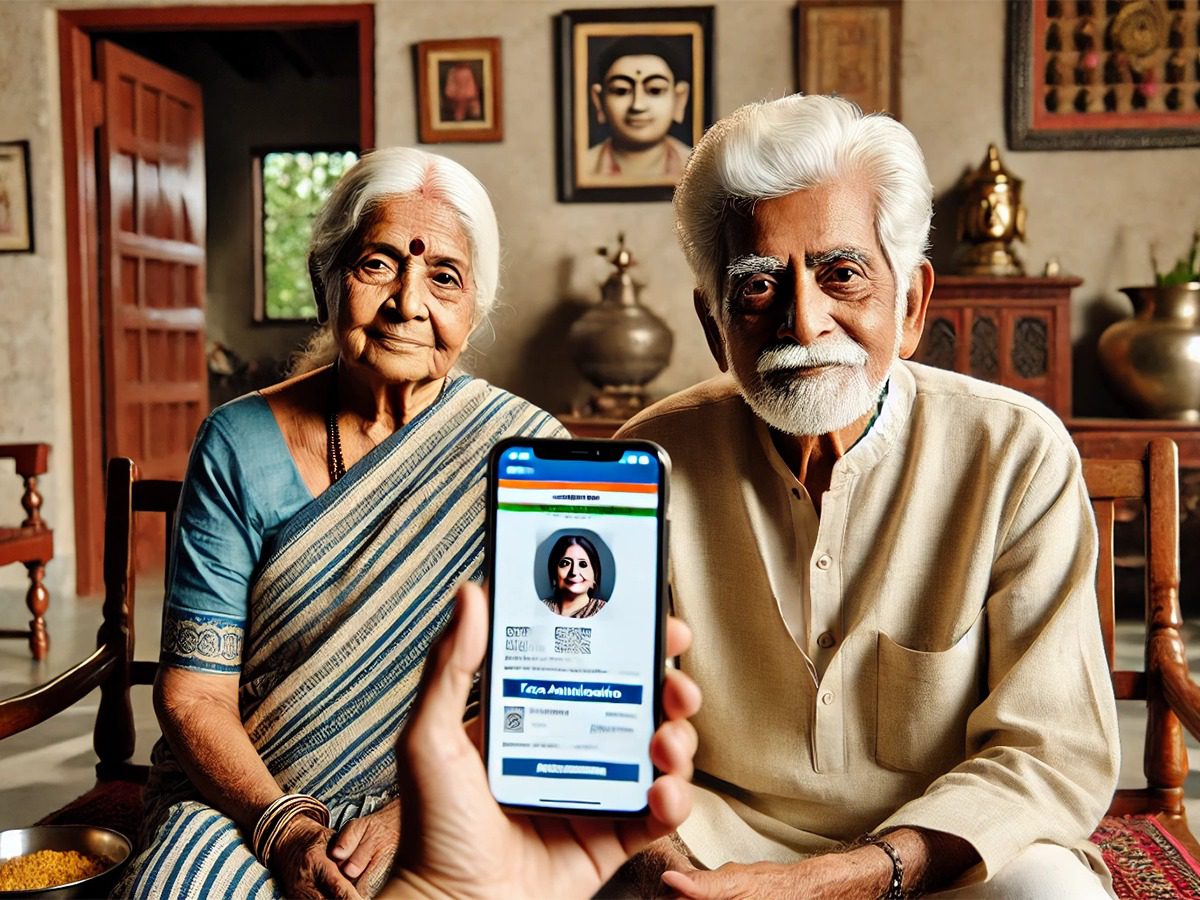
Digital life certificate: Pensioners can now submit digital life certificates on their smartphones with Aadhaar-based face authentication. The EPFO has made it easier. By downloading two apps, completing a face scan and OTP verification, the DLC is issued within minutes. Learn more.
Add informalnewz.com as a Preferred Source


Digital Life Certificate: Pensioners can now submit their Digital Life Certificate (DLC) using just their smartphone. Aadhaar-based face authentication is required. This has significantly simplified online access for senior citizens.
Pensioners between the ages of 60 and 80 must submit their life certificate by November 30, 2025, either from home or by visiting their nearest bank/common service center. Failure to do so may result in their pension being withheld. Let’s learn how to submit a life certificate using a smartphone.
EPFO’s latest update
The EPFO said pensioners can submit their DLC directly from their phones using face authentication, without visiting a bank or government office. The EPFO said on X (formerly Twitter) that it can be completed in just a few simple steps.
Download the Required Apps
To submit a life certificate, you need to download two apps: Jeevan Pramaan Face and AadhaarFaceRD (Early Access). The second app performs background authentication.
Operator Authentication
After installing the app, the user (or operator—who may also be the pensioner) performs a one-time authentication.
This involves entering your Aadhaar number, mobile number, and email address, and then scanning your face once using the FaceRD app.
Pensioner Information and OTP
The Jeevan Pramaan app then asks the pensioner for their name, Aadhaar number, pension type, and payment authority information. At this stage, an OTP is sent to the pensioner’s mobile or email address, and entering it proceeds.
Face Scan and Certificate Issuance
After receiving permission, the app scans the pensioner’s face using the phone’s front camera. Sitting in good light and blinking a few times is helpful for a better scan.
Upon completion, a Digital Life Certificate is issued. The pensioner receives a PDF download link via SMS, and the Praman ID is displayed on the screen.
Certificate Validity
The validity of the DLC depends on the pension disbursing authority, and is typically for one year. Upon expiry, the process must be repeated.
Who can use face authentication?
- Several things are required to use the Aadhaar-based authentication feature.
- The pensioner’s Aadhaar number must be registered with their bank/post office or pension-paying institution.
- An Android smartphone with internet access is recommended. A front camera of at least 5MP is recommended.
- A mobile number linked to Aadhaar to receive an OTP.
Security and Vigilance
Face authentication is easy, but it also poses the risk of cyber fraud. Cyber units in several states have warned that some fraudsters attempt to access bank accounts by asking pensioners for their Aadhaar, PPO number, and OTP.
Authorities have advised pensioners to provide information only on the official app and not share OTPs with unknown calls.
Alternatives to Face Authentication
Those who don’t want to use face authentication can still submit life certificates through other methods:
India Post’s Gramin Dak Sevaks
Doorstep Banking of Public Sector Banks
Video KYC
Biometric Fingerprint or Iris Scanning

