

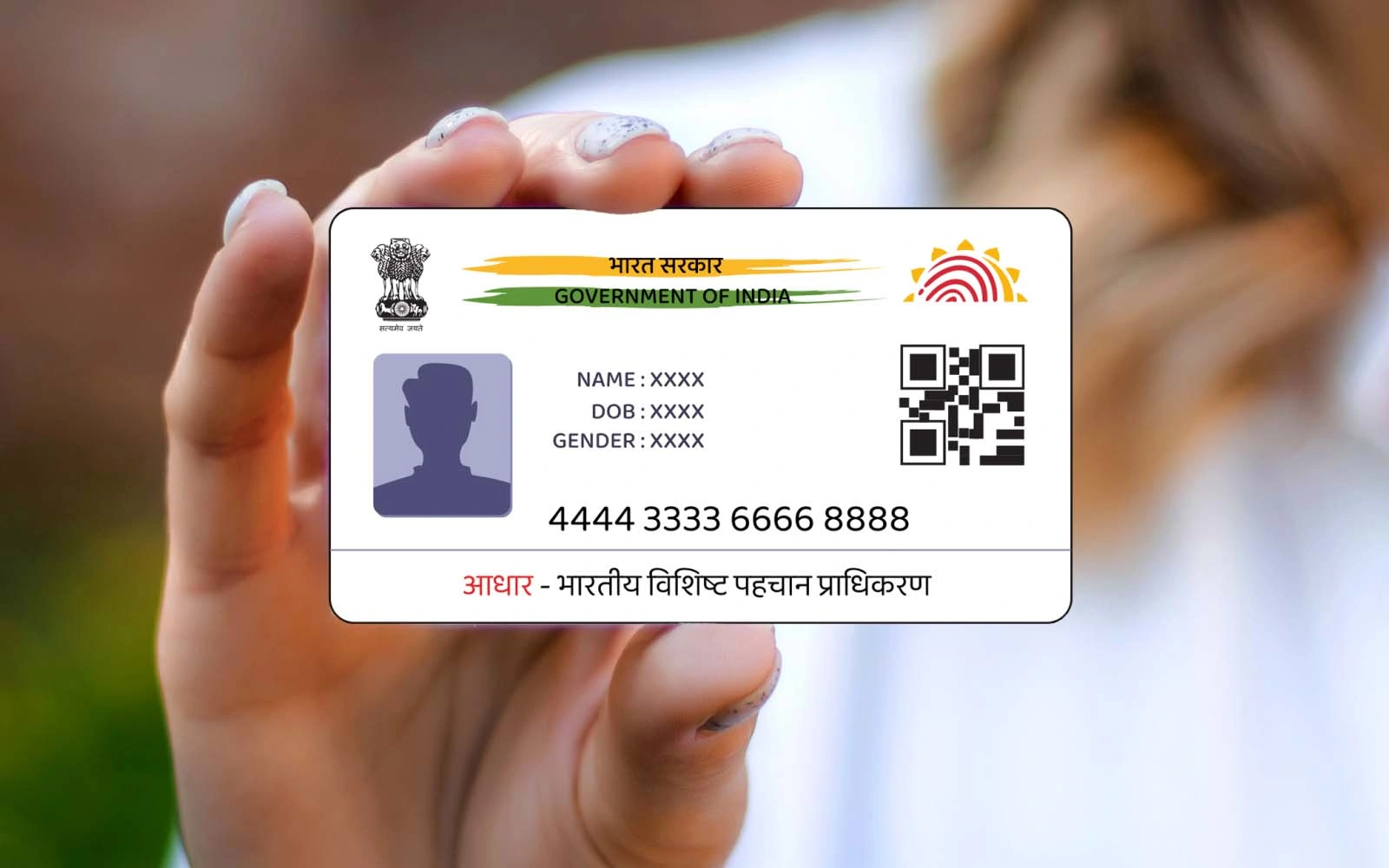
Downloading Aadhaar card: With the help of UIDAI and MyGov, Aadhaar can now be easily downloaded on WhatsApp. All you need is a mobile number linked to Aadhaar and a DigiLocker account. Save the number, start a chat, verify with the OTP, and download the PDF file.
Add informalnewz.com as a Preferred Source


Downloading Aadhaar card: There’s no need to wait for complicated websites or mail. In 2026, the Unique Identification Authority of India (UIDAI) and MyGov, the Government of India, have made it incredibly easy to access your digital identity. Now, you can download your e-Aadhaar directly through WhatsApp for bank KYC, a new SIM, or a passport.
How to download Aadhaar from WhatsApp?
Your mobile number must be linked to Aadhaar, and you must have an active DigiLocker account. You must save the MyGov Helpdesk WhatsApp number (+91-90131-51515) on your phone.
Key Points to Keep in Mind
Have these things ready before you begin:
- Registered mobile number (linked to Aadhaar)
- Active DigiLocker account
- 12-digit Aadhaar number
7 easy steps to download Aadhaar on WhatsApp
Step 1: Save the MyGov Helpdesk number
Save +91-90131-51515 to your phone.
Step 2: Start a Chat
Open WhatsApp and send a message by typing “Hi,” “Namaste,” or “Aadhaar.”
Step 3: Select DigiLocker Services
Select the “DigiLocker Services” option in the bot’s response.
Step 4: Enter Aadhaar Number
Type and send your 12-digit Aadhaar number.
Step 5: Verify by OTP
You will receive a 6-digit OTP on your registered mobile number. Enter it in the chat.
Step 6: Select “Aadhaar”
Select the “Aadhaar” option from the list of documents.
Step 7: Download PDF
Your e-Aadhaar will arrive as a PDF file, which you can download.
Password to open Aadhaar PDF
The password to open the file will be: the first four letters of your name (in capital letters) + year of birth
Example: SUMI1992
Benefits of this service
- Completely free service
- Digital documents are legally valid
- No need to download a separate app
Now you can download your Aadhaar from home in just a few seconds via WhatsApp.

