

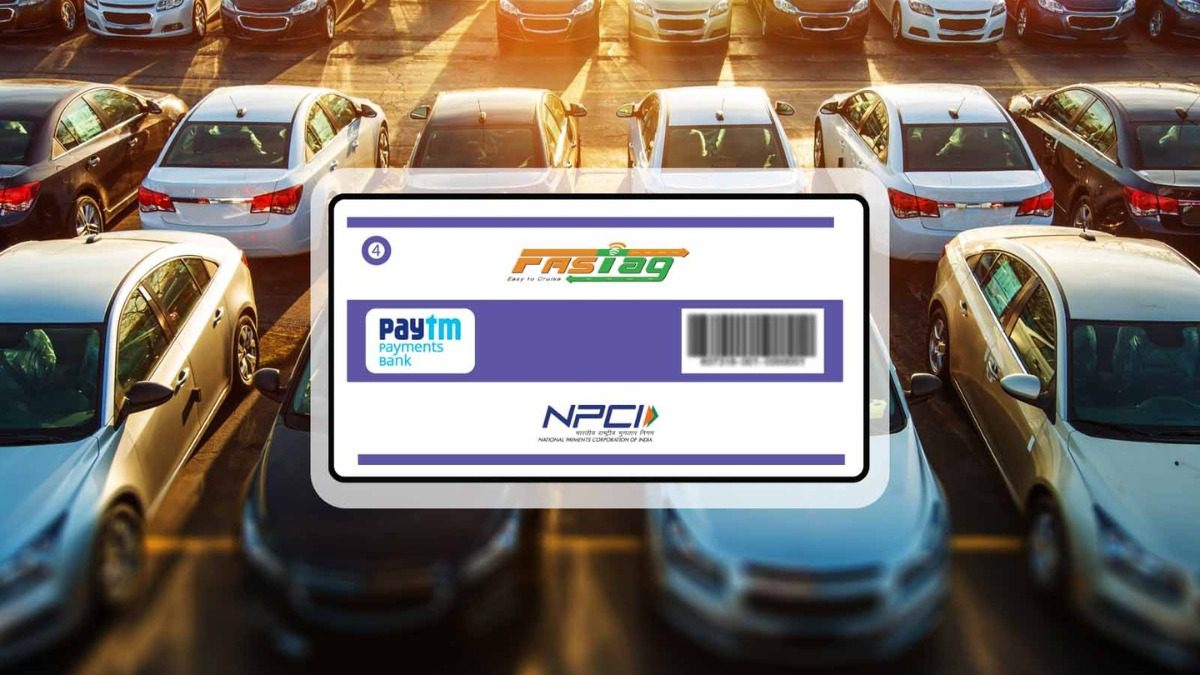
FASTag KYC Process: NHAI has implemented new rules to simplify the FASTag system and bring transparency to it. NHAI had been receiving complaints about misuse of FASTags.
Add informalnewz.com as a Preferred Source


FASTag KYC Process: If your vehicle travels on the highway and has a FASTag, this is useful news for you. The National Highway Authority of India (NHAI) has simplified the KYV (Know Your Vehicle) process for FASTag users. With the new rules, FASTag verification has also become faster than before. Another important feature is that the new rules will provide users with a reasonable timeframe for completing KYV, eliminating the worry of account closure.
What is the new rule?
According to NHAI guidelines, a side photo of the car, jeep, or van will no longer be required for the KYV process. Simply upload a front photo with the FASTag and number plate. Furthermore, as soon as the user enters their vehicle number, chassis number, or mobile number, the system will automatically fetch the vehicle’s RC data from the ‘Vahan Portal’.
If multiple vehicles are registered to the same mobile number, the user can select the vehicle for which they wish to complete KYC. Even after the new KYV policy is implemented, existing FASTag users need not worry. Their FASTag will remain active unless there are complaints of misuse or loose tags. Additionally, users will receive SMS reminders from their bank to complete their KYC.
Why was the new rule implemented?
NHAI implemented the new rule to simplify the FASTag system, prevent misuse, and bring transparency to it. NHAI had been receiving complaints that large vehicles like trucks were using FASTags meant for smaller vehicles to avoid toll taxes. To prevent this, the highway authority, in collaboration with NPCI (National Payments Corporation of India), initiated the KYV process to verify that the FASTag issued to the vehicle is actually being used.
How to get KYV done
- First, take a front photo of your vehicle, clearly showing the Fastag and the number plate.
- Upload a side photo, clearly showing the vehicle’s wheels.
- Along with this, upload a scan of the vehicle’s registration certificate (RC).
- You can upload these via the Fastag portal or your bank’s website.
- To do this, you’ll need to log in by entering your mobile number and OTP.
- You’ll need to complete the process by going to the ‘KYC’ tab in the ‘My Profile’ section.
- The bank will verify the uploaded details against the VAHAN database.
- If the information is found to be incorrect, the KYV will not be complete.
You must verify your KYV every three years to ensure that all vehicle-related information is updated and that the Fastag is not being misused. For any KYC-related issues or questions, you can also contact the National Highways Helpline at 1033.
Read More: Bank Locker Gold Limit: You can keep this much gold in a bank locker, know this rule of RBI

