

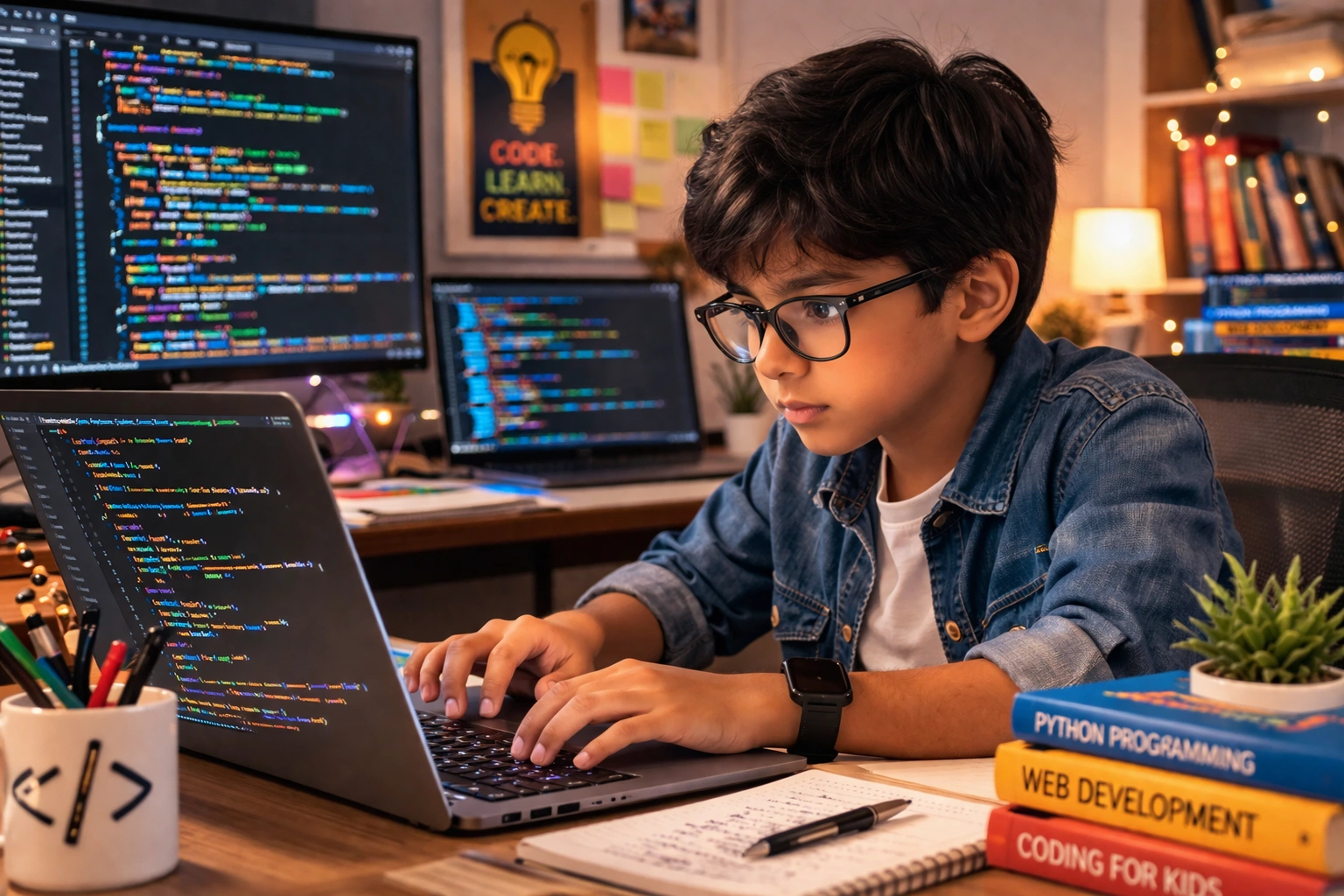
Free Coding Tools for Kids: Now, there is no need for expensive courses or coaching to learn coding. You can teach your child to code right from home, completely free of cost.
Add informalnewz.com as a Preferred Source


Free Coding Tools for Kids: Coding is no longer just for engineers or adults; it has become an essential skill for young children as well. It does more than just teach them how to operate a computer—it sharpens their minds, improves their way of thinking, and teaches them how to solve problems. Moreover, there is no longer a need for expensive courses or coaching to learn it. You can teach your child coding right from the comfort of your home, completely free of charge. With that in mind, let us introduce you today to some of the best tools that can help you teach your children coding at home for free.
Coding is a type of language that we use to tell computers what to do. It is important for children because it enhances their logical thinking, teaches them how to solve problems, and boosts their creativity. In today’s digital world, this has become a skill just as essential as formal education.
Many parents think that coding is very difficult, but for children, this is not the case at all. Children are taught block-based coding, which requires no typing; instead, they simply have to connect colorful blocks. It feels just like playing with LEGO toys. When a child connects the correct block, a character on the screen begins to move—and that is precisely what they find so enjoyable.
Tynker is a fun and free platform where children learn coding in a game-like manner through stories and missions; moreover, they receive rewards upon completing each level, which helps sustain their interest. Initially, parents should sit with their children and assign them small tasks—such as moving a character—while allowing them to experiment independently and encouraging them to learn from their mistakes, thereby boosting both their confidence and their capacity to learn.
Scratch is the best choice for beginners. If your child is between 8 and 16 years old, it makes for a fantastic start. Here, children can create animations, games, and stories. It is completely free. It features a large community where children can learn by viewing the projects created by others.
Code.org also teaches children how to code while playing games. This platform is excellent for beginners. It teaches coding through games such as Minecraft and Frozen. Children learn in a playful manner, and the platform also provides guides for parents and teachers.
Both Swift Playgrounds and Google CS First are excellent free platforms that allow you to easily teach children coding right from the comfort of their home. Swift Playgrounds runs on iPad and Mac, and uses puzzles to teach children Swift—the actual language used to build apps—making the learning process fun and engaging. On the other hand, Google CS First integrates coding with engaging subjects such as art, music, and sports, enabling children to learn coding through play in a way that aligns with their personal interests.

