

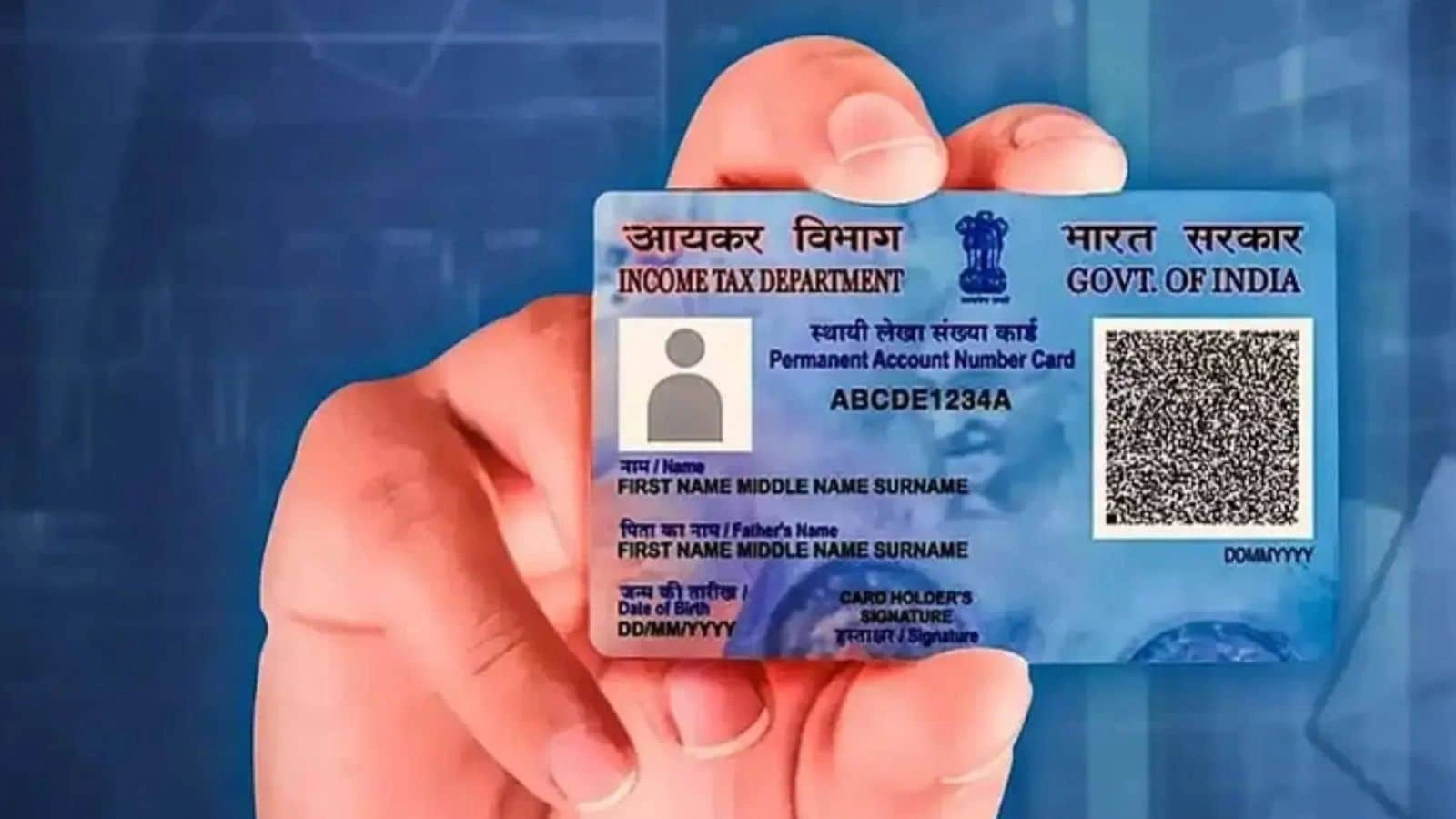
PAN Card Rules: There is a golden opportunity to get an instant PAN card using only Aadhaar card till March 31, 2026, as additional documents like birth certificate will be required after the new rules come into effect from April 1, 2026.
Add informalnewz.com as a Preferred Source


PAN Application Rules Changing: Many rules regarding PAN cards will change from April 1st. Prior to this, a major update related to the Permanent Account Number (PAN) card has been released. According to the new update, even those who haven’t yet issued a PAN card can easily do so, as the rules for making PAN cards will also change from April 1st. Therefore, you can apply for a PAN before March 31st. You’ll only need your Aadhaar card. Let’s explain how you can get a PAN card using just your Aadhaar.
Get your PAN card using Aadhaar only.
Starting April 1st of this year, new PAN application rules will be implemented across India. These changes will impact documents, forms, and the entire application process. Before then, there’s a golden opportunity to get an instant PAN card using just your Aadhaar card until March 31st, 2026, as additional documents, such as a birth certificate, will be required after the new rules come into effect on April 1st, 2026. This process is completely online, free, and e-KYC-based, completing within minutes.
IMPORTANT UPDATE!!
PAN Application Rules Changing From 1st April 2026.
Apply Now Using Aadhaar Only Till 31st March 2026.
महत्वपूर्ण अपडेट!!
PAN बनवाने का अच्छा मौका 31 मार्च 2026 तक सिर्फ आधार से PAN बनवाएं.
For any queries, write us at abhirendra.pal@csc.gov.in… pic.twitter.com/JdpWQkR498
— CSCeGov (@CSCegov_) March 17, 2026
Process to Generate Instant PAN Card Using Aadhaar
Visit Website – Visit the Income Tax Department’s official e-filing website (https://www.incometax.gov.in/iec/foportal/).
Select Instant e-PAN – Click on “Instant e-PAN” in the “Quick Links” section on the homepage.
New PAN – Select the “Get New PAN” option.
Aadhaar Details – Enter your 12-digit Aadhaar number and click “Continue” after accepting the terms and conditions.
OTP Verification – Enter the OTP received on the mobile number linked to your Aadhaar.
Verify Details – Match the details with those in your Aadhaar and submit.
Download – After applying, you will receive an acknowledgement number, and you can download your e-PAN from here shortly.
Read More: New Airport Update: PM Modi to inaugurate Jewar Airport on 28th, CM Yogi announces

