

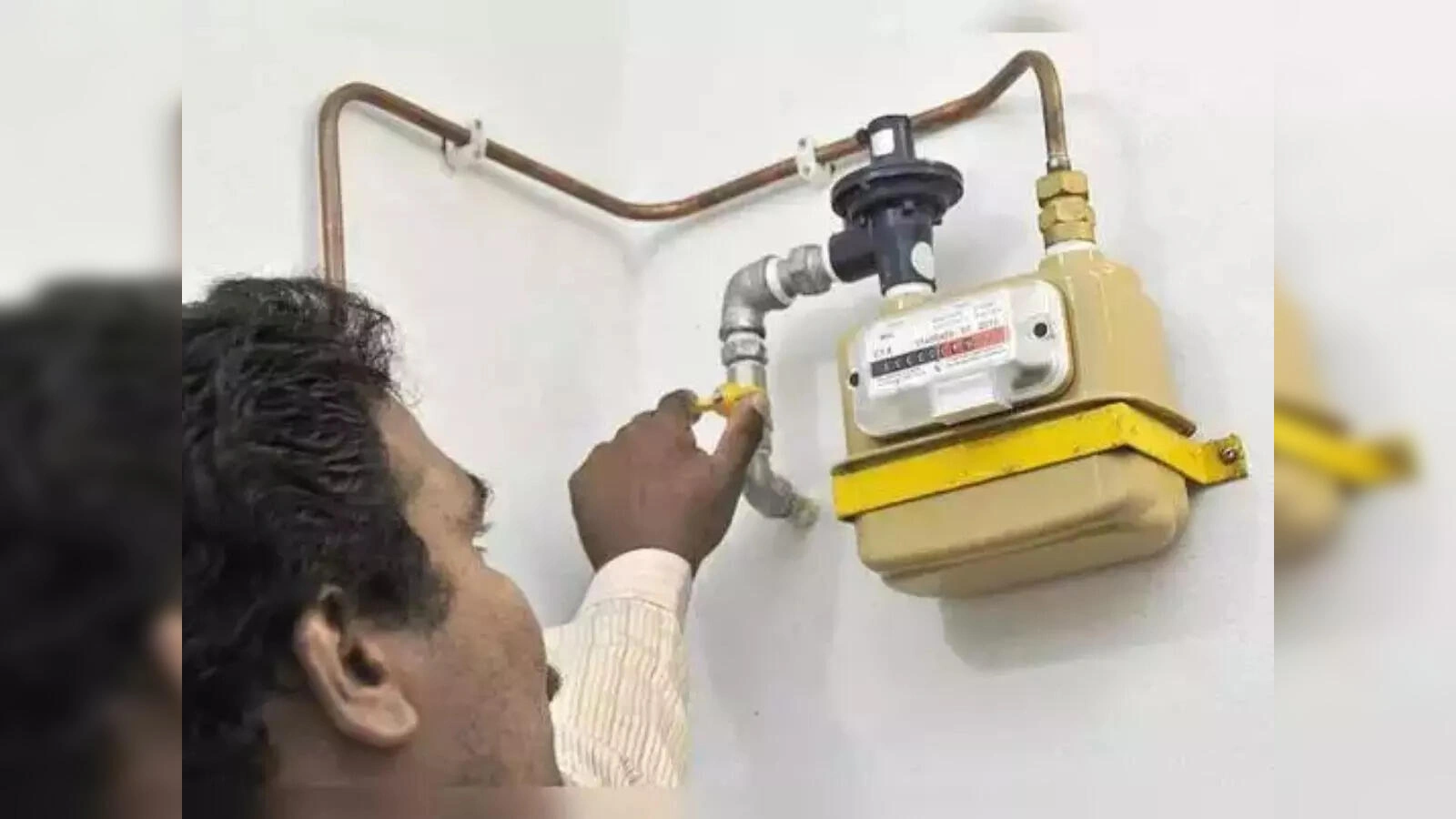
How to Pay PNG Bill Online: If you’re considering a PNG connection, you can pay its bill online. The special thing is that you don’t need to download a separate app for this; you can make online payments using the UPI payment apps on your phone, such as PhonePe and Google Pay.
Add informalnewz.com as a Preferred Source


Pay PNG Bill by Google Pay: Amid the ongoing shortage of LPG cylinders in the country, the government has announced a new rule. The government has ordered that people whose area has PNG i.e. gas pipeline, will have to take the connection. If they do not do so, the supply of cylinders will be stopped. In such a situation, the problems of those people have increased who do not know much about PNG connection. Let us tell you that most of its facilities are online. From getting a new connection to paying the bill, everything is done online. You can also pay the bill through UPI payment apps PhonePe and Google Pay present in your phone. Its method is very easy.
Pay bills with UPI payment app
If you’re considering a PNG gas pipeline connection, be sure to learn how to pay for it online. You don’t need to download a separate app for this. You can pay your PNG gas pipeline connection bill using the UPI online payment app on your phone.
What do you need?
To pay your bill online, you just need to know your BP number. This is a 10-digit unique business partner number. It’s printed on the top left side of the bill.
How to pay with PhonePe?
- You’ll need to open the PhonePe app on your phone.
- Next, go to the Recharge and Bills section.
- Now, scroll down and click on the Piped Gas option in the Utilities section.
- Then select your gas provider, such as IGL.
- If you select IGL, you’ll need to enter your BP number.
- Entering the BP number will display the customer’s name, bill number, and bill date.
- You can make your payment by clicking Proceed to Pay here.
Follow this method for Google Pay
- Open Google Pay and click on the Piped Gas option in the Utilities section.
- Enter your customer number and nickname here again and proceed to make the payment.
- Keep in mind that the process may vary slightly depending on the provider. Follow the on-screen instructions and the payment will be processed.

