

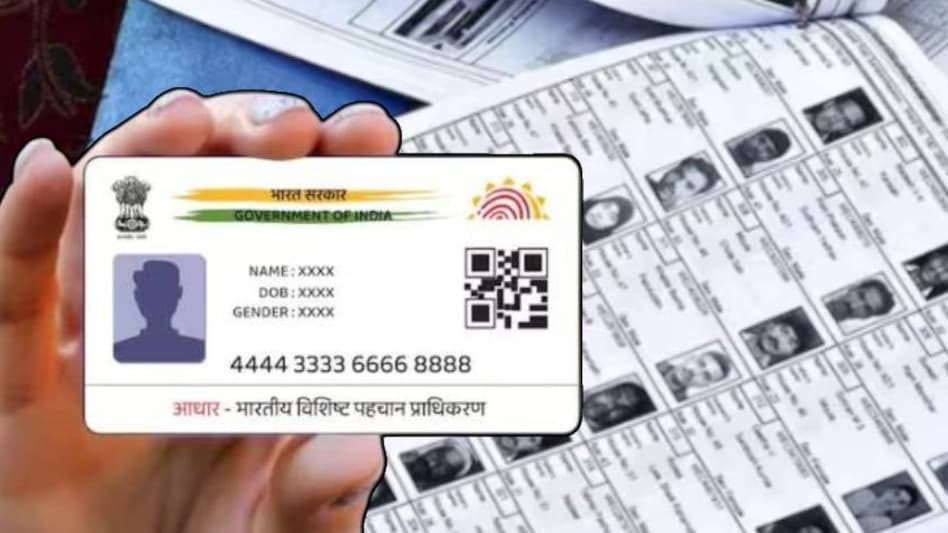
SIR Revision: The Election Commission of India has initiated the Special Intensive Revision (SIR) for the 2025 voter list. This is an annual process aimed at ensuring that the voter information of every eligible citizen is accurate, updated, and correctly recorded in government records.
Add informalnewz.com as a Preferred Source


SIR Update 2025: The Election Commission of India has initiated the Special Intensive Revision (SIR) for the 2025 voter list. This is an annual process aimed at ensuring that every eligible citizen’s voter information is accurate, updated, and properly recorded in government records. Through this special revision, people can check whether their name appears on the 2025 voter list, correct any errors in their information, and download their digital voter card (e-EPIC).
Now let’s learn how the Special Intensive Revision works, why it’s important, and how you can quickly and easily check your name on the voter list. Furthermore, the SIR also provides a simple and convenient way to download your e-EPIC online through the Election Commission of India’s official Voter Service Portal.
Understanding the Special Intensive Revision (SIR) for the 2025 Voter List
Special Intensive Revision is the Election Commission of India’s official process for updating voter lists ahead of the upcoming 2025 elections. Under this process, the Commission adds voters who have recently become eligible to vote, removes outdated or incorrect records, and corrects errors found in existing data. This ensures that the voter list is accurate and reflects the current population of registered voters.
Citizens who find errors in their name, address, or age can use the SIR form to correct their information. Those whose names are not on the draft voter list can also get their names added through this process. The SIR form requires basic personal details, and after verification, the updated information becomes part of the revised voter list. This is essential for fair, transparent, and smooth elections in 2025.
How to download your voter ID online using e-EPIC
- Go to the official voter service portal voters.eci.gov.in.
Sign in with your mobile number. - Enter the OTP sent to your phone to log in.
- Now, download your e-EPIC by clicking on the download option.
- Enter your EPIC number or voter registration application reference number.
- Confirm the information displayed on the screen.
- Click on the download option to save your e-EPIC to your device.
- If you need a hard copy, print it out.
How to check your name in the 2025 voter list from the ECI website:
- Go to the official Election Commission of India website.
- Open the section where you can access the E-Roll PDF.
- Select your state from the list.
- Select your district.
- Select your assembly constituency.
- Download the final voter list (PDF) for your polling station.
- Open the PDF and search for your name in the list.
- Verify that your details are correct to ensure smooth voting in 2025.
Why is the SIR voter list important for voters?
- The SIR voter list serves as the foundation of the democratic process, ensuring that every eligible citizen can participate in elections. It removes duplicate entries, removes voters who have moved or died, and ensures that the names of first-time voters are correctly added to the list.
- A correct and updated voter list helps prevent any discrepancies on election day. This reduces the likelihood of a voter complaining about a missing or incorrect name. Therefore, it is crucial to fill out the SIR form during the revision period to vote in the 2025 elections.
- Download the SIR Voter List Online: Offline Method to Check Your Name in the 2003 Voter List
- Go to the office of the District Election Officer in your area, as this is where the old voter lists and physical copies of previous voter lists are kept.
- Have important details with you, such as your full name, your parents’ names, your previous residential address, your polling station details, and your age or year of birth (as of 2003).
- Speak to the election office staff and tell them that you need access to the 2003 SIR voter records.
- Provide your information so they can find the correct voter list for your area.
- Once you find the 2003 record, seek help from the officer and confirm your or your family’s name.
- If you need a photocopy or written confirmation, inform the staff, and they will assist you according to their available procedures.

