

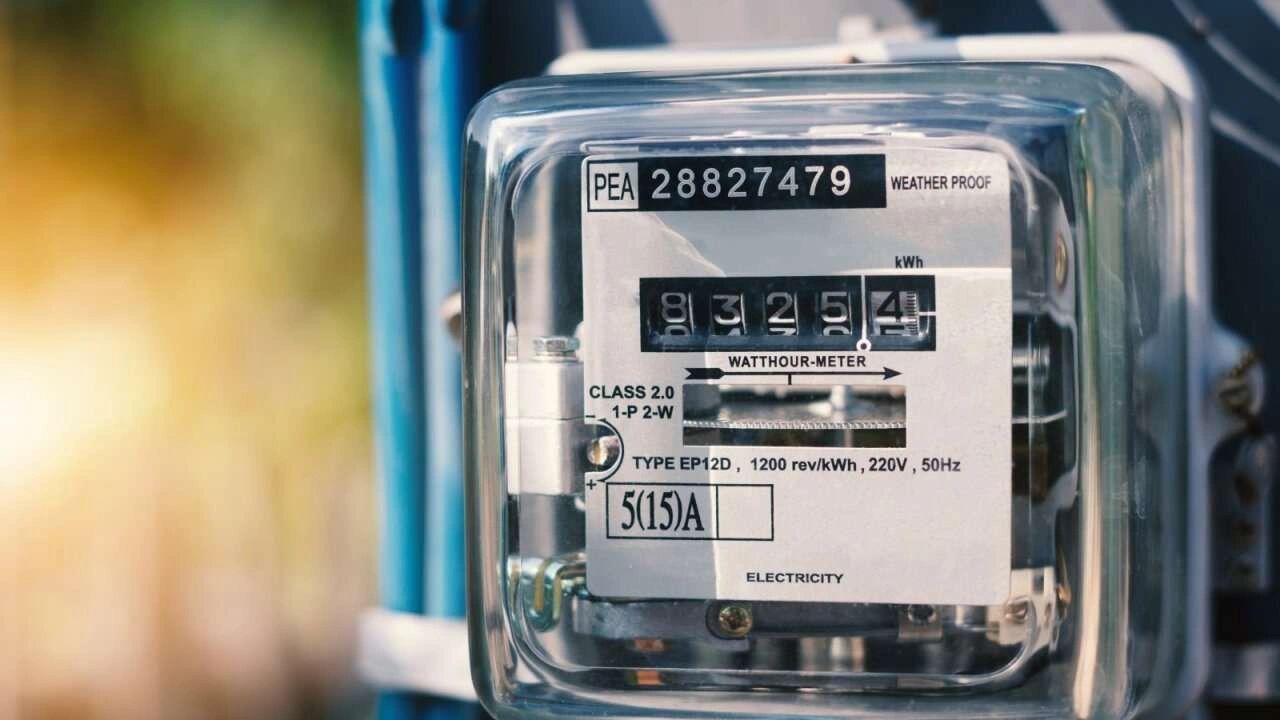
UP Smart Meter Prepaid Recharge Online: Have you recently had a new smart prepaid meter installed in place of your old electricity meter? It’s crucial to check your prepaid meter’s balance and recharge it on time, or your home’s electricity connection could be cut. This kind of action is being taken on a large scale in Uttar Pradesh. You’ll need to download the UPPCL app, which will allow you to access information about your electricity consumption, recharge, and check your balance.
Add informalnewz.com as a Preferred Source


UPPCL Smart App Guide 2026: In many cities and towns of Uttar Pradesh, old electricity meters are being replaced with new smart meters. Therefore, people will have to recharge their meters first, and only then will they be able to use electricity according to the recharge. Therefore, those unaware of this information are having their electricity connections disconnected these days. It’s worth noting that those with smart meters installed in their homes will now have to monitor their electricity consumption and recharge before it runs out.
For this, you can use the UPPCL Smart App, where you can find out about your electricity consumption, check your balance, and recharge instantly.
What is UPPCL Smart App?
Uttar Pradesh Power Corporation Limited (UPPCL) has introduced the ‘UPPCL SMART’ app for smart meter users. It can be downloaded from the Google Play Store or the iPhone App Store. Through this app, all consumers of MVVNL, PVVNL, DVVNL, PuVVNL, and KESCO can manage their smart meters.
This app provides information on electricity consumption, balance remaining on recharged amounts, and the ability to recharge smart meters. It’s worth noting that this app, developed by Jio Platforms, displays real-time data.
How to check your balance?
- To check your smart electricity meter balance, download the ‘UPPCL SMART’ app from the Play Store.
- Afterward, create an account using your Consumer ID or registered mobile number and log in.
- You will see your available balance on the app’s home screen. You can also view a graph of your daily, weekly, and monthly consumption.
How to recharge smart meter using UPPCL SMART app
You can recharge your smart meter through the UPPCL app. After logging in to the app, click on the Recharge option.
- You’ll see the Pay/Recharge option on the homepage.
- After this, enter the amount you want to recharge.
- Select a payment gateway, such as UPI, Debit Card, or Credit Card.
- After making the payment, you’ll see a Success message on your app, and your new balance will be updated within 5-20 minutes.

