

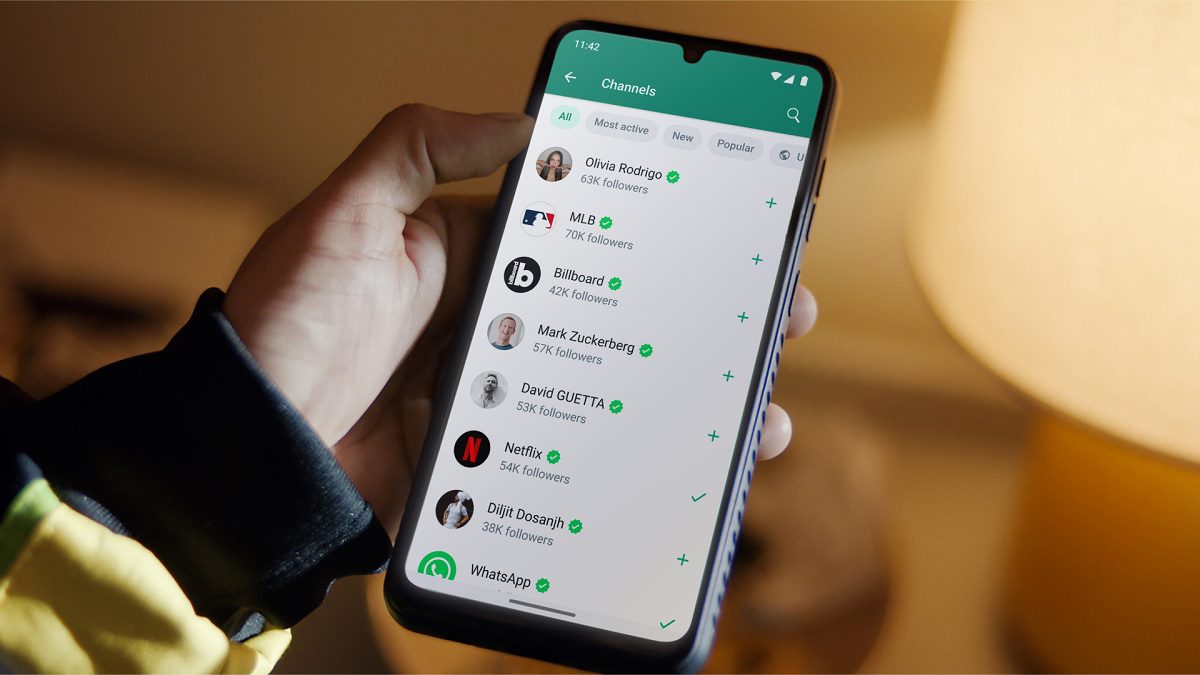
WhatsApp: From June 1, WhatsApp will not be able to work on iPhones running on iOS 15 or earlier versions. Along with this, WhatsApp will also not work on Android 5.0 or earlier versions.
Add informalnewz.com as a Preferred Source


WhatsApp: From June 1, WhatsApp will not be able to work on iPhones running on iOS 15 or earlier versions. Along with this, WhatsApp will also stop working on Android 5.0 or earlier versions.
WhatsApp Update: If you are a WhatsApp user then there is an important update for you. WhatsApp will stop working on some old iPhones and Android devices from June 1, 2025. Meta said that regular updates will be done to meet the minimum requirements for the use of WhatsApp, due to which WhatsApp will not be able to be used in some smartphones. Let us tell you in which models WhatsApp will not work from June 1 and what is the reason behind it.
On which phones will WhatsApp stop working?
From June 1, WhatsApp will not be able to work on iPhones running on iOS 15 or earlier versions. Along with this, WhatsApp will also stop working on Android 5.0 or earlier versions. This is the full list of phones on which WhatsApp will no longer be supported:
iPhones:
iPhone 5s
iPhone 6
iPhone 6 Plus
iPhone 6s
iPhone 6s Plus
iPhone SE (1st generation)
Android phones:
Samsung Galaxy S4
Samsung Galaxy Note 3
Sony Xperia Z1
LG G2
Huawei Ascend P6
Moto G (1st generation)
Motorola Razr HD
Moto E 2014
There is no need to panic, check your phone first
All the phones on this list are quite old. But before you consider your phone useless because of this, you should check whether your phone is updated or not. If your phone is still getting software updates, so that iPhones are running on iOS 15.1 or later and Androids are running on Android 5.1 or later, then WhatsApp will run on your phone without any problem.
How to back up your chats?
If your phone comes from this list, then you do not need to worry. WhatsApp has advised users to back up their chat history to a Google account before withdrawing app support. Doing so will ensure that all your conversations can be easily transferred to a new device. Simply open WhatsApp, go to Settings, tap Chats, then select Chat Backup and follow the instructions on the screen. This step will make switching to a new smartphone much more straightforward.
What is the reason behind this?
The main reason behind WhatsApp’s move is security. Since Apple no longer provides software updates for these older iOS versions, the security of these devices has become quite weak. They are relatively easy to hack. This is one of the main reasons why WhatsApp is urging people to shift to new smartphones and operating systems.

