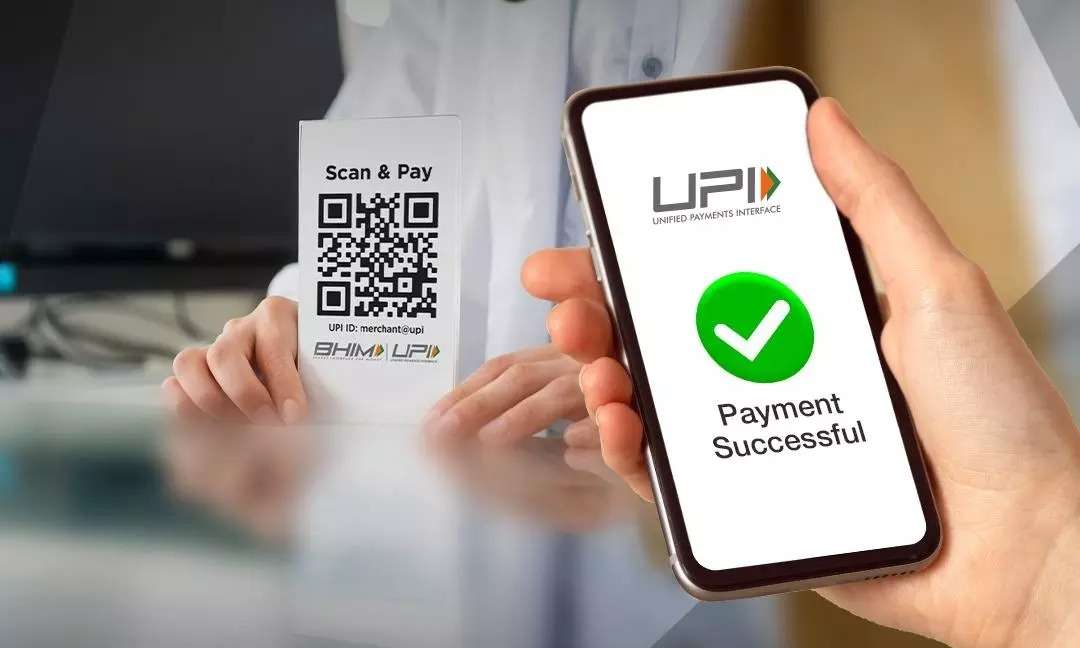
PhonePe Biometric Payment Feature: PhonePe’s biometric authentication feature is currently only available for UPI transactions up to Rs 5,000. If fingerprint or face authentication doesn’t work due to poor lighting or sensor issues, users can always revert to the old-fashioned method of making a payment by entering their UPI PIN.
Add informalnewz.com as a Preferred Source


Biometric UPI Payments: PhonePe has launched a biometric authentication feature for UPI payments. Now you can easily make transactions using your phone’s fingerprint or Face ID lock. This will eliminate the need to enter your UPI PIN every time, making payments even faster and more secure. Let’s learn other important details about this feature…
Available for UPI transactions up to Rs 5,000
PhonePe’s biometric authentication feature is currently only available for UPI transactions up to Rs 5,000. If fingerprint or face authentication doesn’t work due to poor lighting or sensor issues, users can always revert to the old-fashioned method of making payments by entering their UPI PIN. The company stated in a press release that this new feature is designed to make digital payments more secure and reliable, reducing user hassles.
We’ve just rolled out Biometric Authentication, making UPI payments up to ₹5,000 as natural as unlocking your phone. By leveraging device-level hardware security, we’re delivering a “one-touch” experience that protects users in public spaces and eliminates PIN-entry failures.…
— Rahul Chari (@rahulchari9) February 19, 2026
What will be the benefit?
Users can now use biometric authentication for many everyday needs. It will make sending money, paying at a store by scanning a QR code, making online payments, and even checking your bank balance much easier. However, this feature is currently only available for Android users, which support both fingerprint and face recognition. This feature will be launched soon for iOS (iPhone).
How to set up the new feature?
- Open the PhonePe app.
- Go to Profile.
- Tap Manage Payments.
- Select the Biometric Pay icon.
- Turn on Biometric Authentication for the relevant bank account.
- Confirm with your UPI PIN and biometrics once.
🙏 Support Independent Journalism
We keep news free for you.
Most readers support with ₹500 ❤️
or scan QR below

Voluntary contribution. No tax benefits.
Add informalnewz.com as a Preferred Source
DISCLAIMER
We have taken all measures to ensure that the information provided in this article and on our social media platform is credible, verified and sourced from other Big media Houses. For any feedback or complaint, reach out to us at informalnewz@gmail.com