

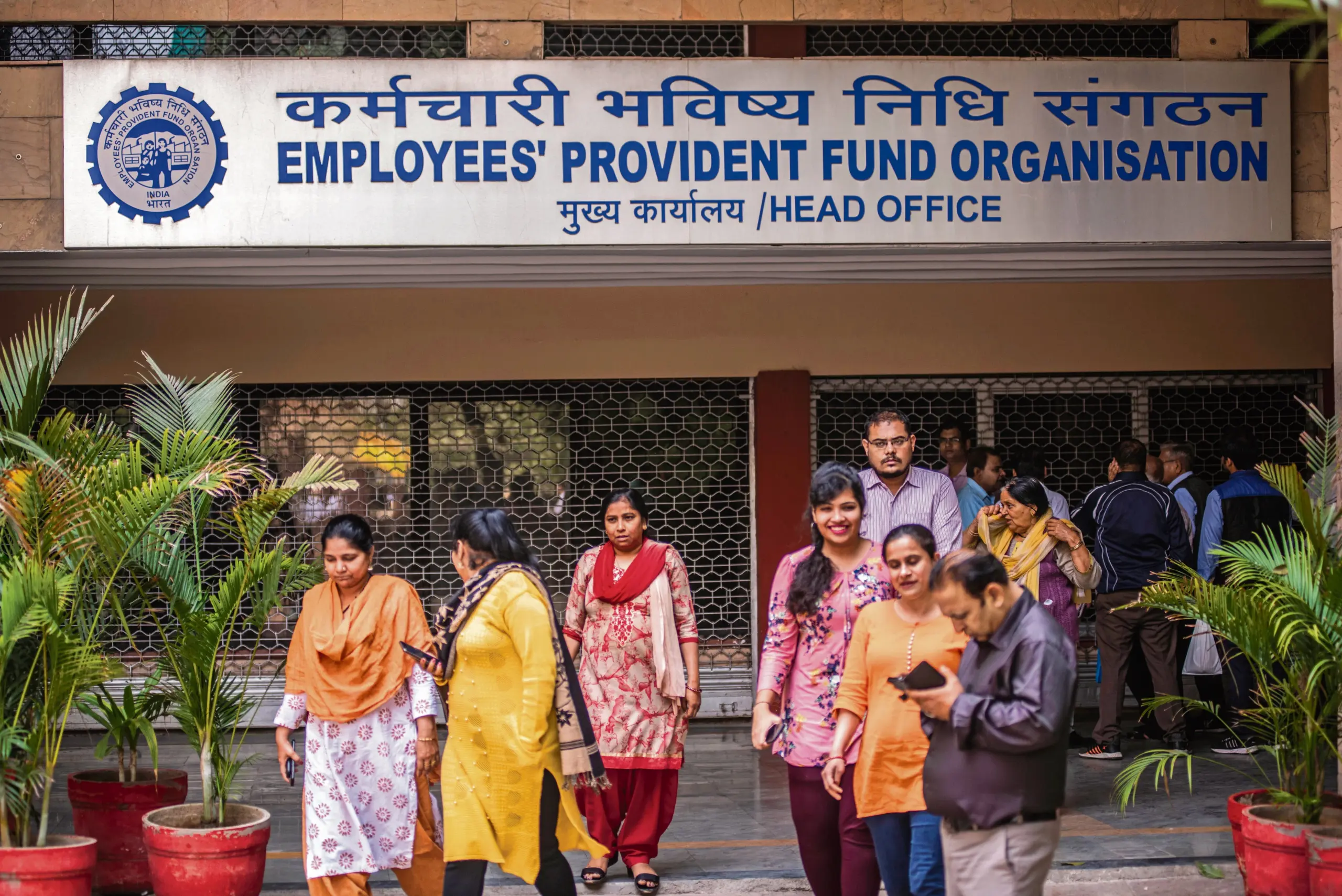
EPFO Date of Exit Update: The EPFO has warned that even a minor error in employment dates can impact your Provident Fund balance and pension eligibility. The EPFO has advised keeping the dates of joining and leaving a job updated in the PF account.
Add informalnewz.com as a Preferred Source


EPFO Date of Exit Update: If you are employed and contribute to an Employees’ Provident Fund (EPFO) account for your future, this news is of utmost importance to you. A minor error could prove to be costly for users. The EPFO has advised its members to strictly verify the Date of Joining (DoJ) and the Date of Exit in their Provident Fund (PF) accounts. If any discrepancy exists, it should be rectified immediately. Any inaccuracy in these dates could result in financial loss when withdrawing PF funds or at the time of retirement, and could also adversely affect your pension entitlements.
In a recent post shared on the social media platform X, the EPFO stated that “even a minor error” in these dates could impact both PF accumulations and pension eligibility. Therefore, members are urged not to overlook such errors.
Why Are DoJ and Exit Date Essential?
The Date of Joining (DoJ) and the Exit Date form the foundation of any employee’s PF record. The DoJ indicates when the employee joined the company, whereas the Exit Date signifies when they left the job. It is based on these two dates that the EPFO determines the duration of the employee’s contributions and the benefits to which they are entitled. Any discrepancy in these dates can adversely affect the entire service record.
If your exit date is not updated, you cannot withdraw your PF online. You cannot claim pension benefits, nor can you close your old PF account. It is worth noting that previously, only the employer could update this information, which often led to delays. Now, employees can update it themselves by visiting the UAN portal.
What Could Be the Consequences?
According to the EPFO, an incorrect Date of Joining (DoJ) or Date of Exit can lead to various complications.
- Your PF claim may be rejected.
- The withdrawal process may be delayed.
- The transfer of your PF funds may get stalled when you switch jobs.
- The calculation of your pension (EPS) may be inaccurate.
- The benefits received at the time of retirement may be reduced.
In other words, a minor data entry error could result in significant financial losses in the long run.
When Does This Error Occur?
These errors often occur during data entry by the employer. Frequently, when an employee changes jobs, the ‘Exit Date’ is either not updated or an incorrect date is entered. Furthermore, there is also a possibility of errors occurring while updating old records. Therefore, the EPFO has advised employees to verify their data themselves.
How to Check Your PF Account?
You can easily check your PF account details online. To do so:
- Log in to the UAN portal.
- Go to the ‘View Service History’ section.
- View the details of all your employers there.
- Carefully check the Date of Joining (DoJ) and the Exit Date.
- If any information appears incorrect, do not ignore it.
How to Correct Errors?
If the Date of Joining (DoJ) or Date of Exit in your PF records is incorrect, you can rectify it. To do so:
- Log in to the UAN portal.
- Select ‘Update Date of Exit’ or the relevant option.
- Enter the correct information.
- Upload the necessary documents.
- The update will be processed following your employer’s approval.
- In some instances, you may also need to contact your HR department or company.
Which Documents Might Be Required?
For data correction, the following documents are typically requested:
- Joining Letter or Offer Letter
- Relieving Letter
- Salary Slip
- Aadhaar Card
These documents serve to verify your accurate period of service.
How to Update Your Date of Exit in PF:
1. First, you need to visit the EPF Member Portal.
2. Next, log in using your UAN, password, and captcha.
3. Now, click on ‘Manage’ and then click on ‘Mark Exit’.
4. Here, you will see a list of your previous and current employer accounts.
5. Now, select the employer from whose organization you have resigned.
6. Select the specific PF account for which you wish to update the date of exit.
7. Now, enter the date of exit, the reason for exit, and other relevant details.
8. Verify the details using the OTP linked to your Aadhaar number, and then submit.
9. Following this, your date of exit will be updated in your PF account immediately.

