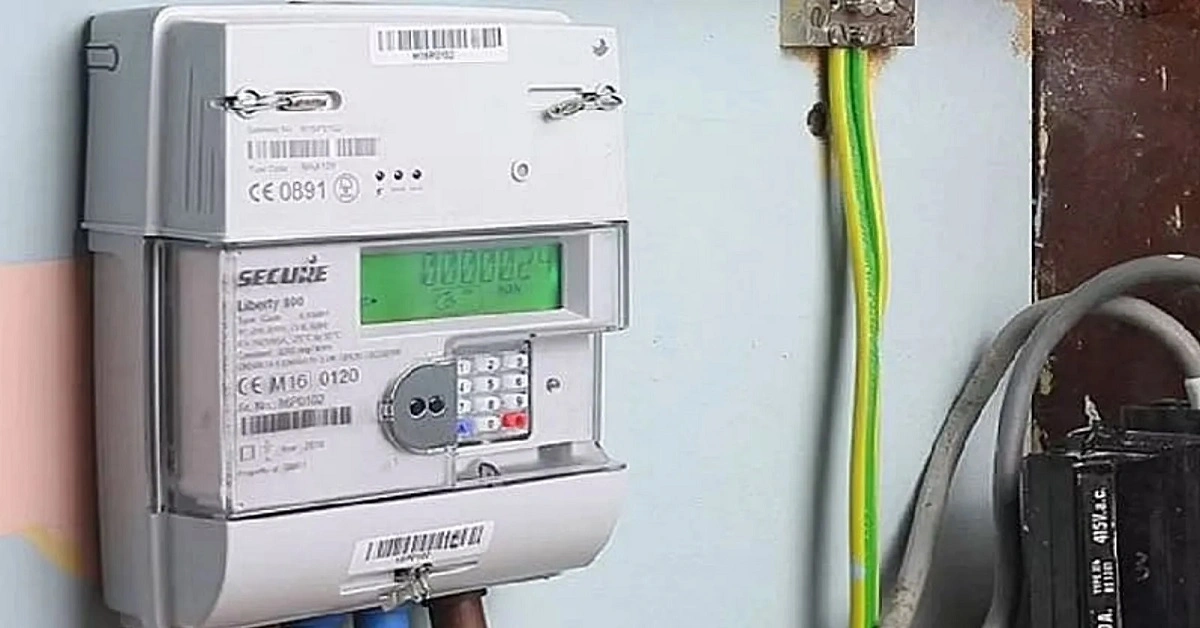
How to Change Your Mobile Number on a Smart Meter: Have you changed your old phone number and wish to link your new number to your smart prepaid electricity meter? Doing so is quite simple, and you won’t even have to make repeated trips to the electricity department. You can update your new number using the smart prepaid meter app, the website, or by calling 1912 directly.
Add informalnewz.com as a Preferred Source


Prepaid Electricity Meter Online Update: Under the RDSS scheme, the installation of smart prepaid electricity meters is currently underway across various states throughout the country. In this context, it has been observed that many individuals wish to link the correct mobile number to their meters. This is often necessary because people have either changed their mobile numbers or need to update them because their previous numbers have become inactive. It is worth noting that you do not need to make repeated trips to the electricity office to do this; you can update the number linked to your smart prepaid meter directly from your phone, right from the comfort of your home.
To do this, you simply need to use the specific mobile application designated for your prepaid electricity meter and update your contact details within the profile settings. If you are unsure which application is used for prepaid electricity meters in your specific area, you can find that information here.
How to Update Your Number on the App
To update the mobile number linked to your prepaid meter via an app, first download the relevant application—which allows you to manage your prepaid meter—from the Play Store or App Store.
Next, log in to your account using your Customer ID.
Now, navigate to the ‘Profile Settings’ or ‘Manage Account’ section.
Locate the registered mobile number listed there, edit it, and update it.
If prompted, enter the OTP (One-Time Password) received on your new mobile number.
Once completed, the mobile number linked to your prepaid meter will be successfully updated. Please note that while some steps may vary slightly across different applications, the option to update your mobile number will typically be found within the ‘Profile’ section.
How to Update Your Mobile Number via the Website
In addition to using the app, you can also change the mobile number linked to your prepaid meter by visiting the website. To do this, you will need to visit your electricity provider’s website—for instance, uppclonline.com for residents of Uttar Pradesh, or bsesdelhi.com for those in Delhi, among others.
Once you have accessed the appropriate website for your state and electricity provider, log in using your Customer ID.
Next, navigate to the ‘Profile’ section.
Go to ‘Personal Details’ and click on the ‘Mobile Number’ option.
Enter your new phone number and verify it using the OTP.
Here is how to update your details without using the app or website.
If you are unfamiliar with using the app or website, you can simply call 1912 to speak with a customer service representative and have your number updated.
Please note that you will need to provide your Customer ID, as well as details regarding both your old and new phone numbers, during the call. Once this information is provided, your number will be updated.
🙏 Support Independent Journalism
We keep news free for you.
Most readers support with ₹500 ❤️
or scan QR below

Voluntary contribution. No tax benefits.
Add informalnewz.com as a Preferred Source
DISCLAIMER
We have taken all measures to ensure that the information provided in this article and on our social media platform is credible, verified and sourced from other Big media Houses. For any feedback or complaint, reach out to us at informalnewz@gmail.com