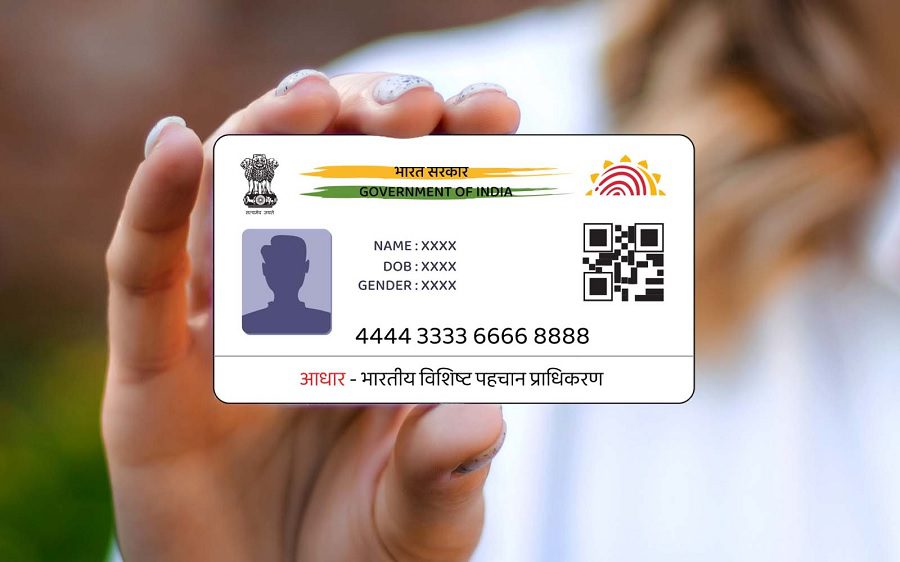
Aadhaar Offline KYC Process: UIDAI has digitized the way Aadhaar is utilized; however, there are still many instances where individuals submit their physical Aadhaar cards to complete offline KYC procedures. Nevertheless, if you prefer, you can complete your offline KYC without submitting your physical Aadhaar card, an OTP, or biometric data by utilizing UIDAI’s dedicated offline KYC process. To do so, you simply need to complete a few easy steps on the UIDAI website. Upon doing so, you can successfully complete your offline KYC while simultaneously safeguarding your privacy.
Add informalnewz.com as a Preferred Source


UIDAI Paperless eKYC Benefits: Some time ago, UIDAI introduced a new Aadhaar app, thereby making the KYC process conducted through Aadhaar digital and streamlined. However, even today, there are certain places where one is required to provide a physical copy of their Aadhaar card for offline KYC verification. Consequently, most people physically present their Aadhaar cards when undergoing offline KYC. Yet, few people are aware that UIDAI also offers a dedicated offline KYC facility. This feature proves particularly useful in situations where one is otherwise compelled to display their physical Aadhaar card. Thanks to this offline process, you are not required to share your actual Aadhaar number.
It is worth noting that UIDAI’s offline KYC process is accessible on its official website. By following just a few simple steps, you can utilize this facility to safeguard both your Aadhaar data and your personal privacy. This tool enables you to keep your data secure even in those instances where providing a physical Aadhaar card would otherwise be unavoidable for completing the KYC process.
Benefits of Offline KYC
- The Offline KYC feature, made available by UIDAI on its official website, offers numerous benefits. These include:
- This method is paperless, meaning you do not have to physically submit your Aadhaar card anywhere.
- It allows you to complete your KYC verification even without a mobile network connection or an OTP. This is precisely why it is termed “Offline KYC.”
- By utilizing this feature, you are spared the need to physically hand over your Aadhaar card to anyone.
- Instead, Offline KYC employs a secure digital file or a QR code.
- Furthermore, you have the ability to determine exactly which of your data points are shared during the Offline KYC process. Conversely, if you were to physically hand over your Aadhaar card to someone, there would be a risk of all the details present on the card being compromised.
- This process also eliminates the need for biometric authentication methods, such as fingerprint or iris scans. This is what makes the Offline KYC procedure so remarkably simple.
- Despite being an “offline” process, UIDAI has designed it in such a way that it is completely tamper-proof. The KYC file involved in this process is digitally signed; consequently, any attempt at tampering is instantly detected by the verification software.
How to Perform Offline KYC?
- To perform Offline Aadhaar KYC, you need to:
- Visit the official UIDAI website: myaadhaar.uidai.gov.in.
- Next, log in using your Aadhaar number and OTP.
- Once the dashboard opens, you will see several options; scroll down to locate the ‘Offline e-KYC’ icon and click on it.
- Now, create a 4-digit ‘Share Code’ of your choice (e.g., 1234). This will function as a password, which will be required to open the offline file later.
- After entering the Share Code, click on the ‘Download’ button.
- Subsequently, a .zip file will be downloaded to your computer or phone. This file securely contains your Aadhaar data.
- Now, wherever you need to complete your KYC—such as at a bank, telecom operator, or other institution—submit the .zip file along with the 4-digit Share Code you created.
- The institution will then complete your offline KYC verification using your file and the provided code.
Points to Keep in Mind
- When utilizing the offline KYC method, it is essential to pay special attention to three key points.
- The four-digit code you generate for offline KYC serves as the key to your Aadhaar data; therefore, ensure that you share this code only with trusted and appropriate entities.
- Your Aadhaar file is downloaded from the UIDAI website in .Zip format. Do not alter this file format, nor make any changes to the filename.
- This file does not remain valid indefinitely; therefore, it is advisable to download a fresh file whenever you are undergoing the KYC process.
🙏 Support Independent Journalism
We keep news free for you.
Most readers support with ₹500 ❤️
or scan QR below

Voluntary contribution. No tax benefits.
Add informalnewz.com as a Preferred Source
DISCLAIMER
We have taken all measures to ensure that the information provided in this article and on our social media platform is credible, verified and sourced from other Big media Houses. For any feedback or complaint, reach out to us at informalnewz@gmail.com