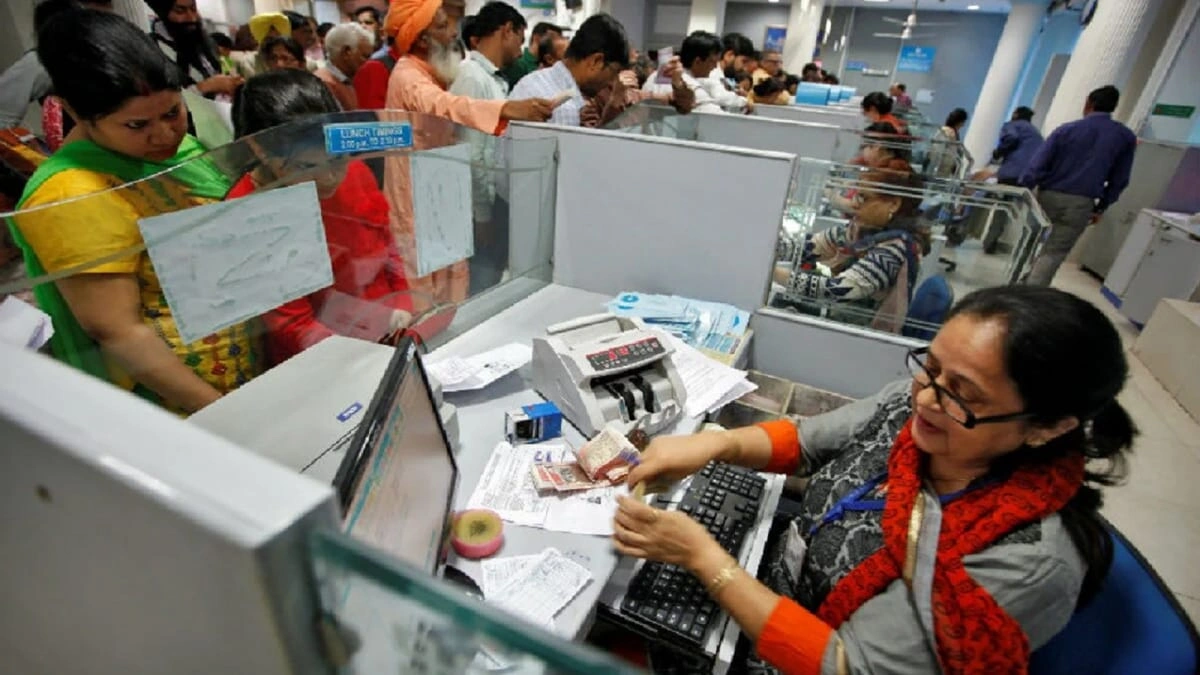
Bank New Service: Axis Bank has introduced a new facility to update mobile numbers using Aadhaar Face Authentication. Now, customers can change their numbers in minutes from the comfort of their homes, without visiting a branch.
Add informalnewz.com as a Preferred Source


Axis Bank Launches New Service: Aadhaar Face Authentication for Mobile Number Updates
Axis Bank has launched a new feature enabling customers to update the mobile number registered with their bank accounts from the comfort of their homes. A key highlight of this new service is its utilization of Aadhaar-based face authentication. Previously, customers had to visit a bank branch or navigate through a lengthy process to update their mobile numbers; however, this task can now be accomplished in just a few minutes using a mobile phone. Here is a step-by-step guide on how to update your mobile number.
The Complete Process to Update Your Mobile Number at Axis Bank
Step 1: First, you need to open the official Axis Bank website or the mobile app (Axis Mobile). Here, you will see an option labeled “Update Registered Mobile Number” or something similar.
Step 2: Select the Aadhaar-based Option
Now, to update your mobile number, you must select the Aadhaar Face Authentication option. Subsequently, you will be prompted to enter your Aadhaar number or Virtual ID (VID).
Step 3: Enter the New Mobile Number
Now, you need to enter the new mobile number that you wish to link to your bank account. Please ensure that this number is active, as the subsequent verification process will be conducted on it.
Step 4: Initiate Face Authentication
Now comes the most crucial step: Face Authentication. Your phone’s camera will turn on. You must now scan your face in accordance with the guidelines displayed on the screen. The system will match your face against the Aadhaar database. If the match is successful, your verification will be completed.
Step 5: You will receive a message as soon as the number is updated.
As soon as your mobile number is updated, you will receive a confirmation via SMS or email. Your new number is now linked to your bank account. This entire process typically takes anywhere from a few minutes to a few hours. In some cases, it may take up to 24 hours.
How Aadhaar Face Authentication Works
With this new feature, customers are required to perform Aadhaar-based face verification using their smartphones. During this process, the system matches your face against the Aadhaar database; if the information is found to be correct, your mobile number will be updated. This method is not only simple but is also considered to be highly secure.
🙏 Support Independent Journalism
We keep news free for you.
Most readers support with ₹500 ❤️
or scan QR below

Voluntary contribution. No tax benefits.
Add informalnewz.com as a Preferred Source
DISCLAIMER
We have taken all measures to ensure that the information provided in this article and on our social media platform is credible, verified and sourced from other Big media Houses. For any feedback or complaint, reach out to us at informalnewz@gmail.com